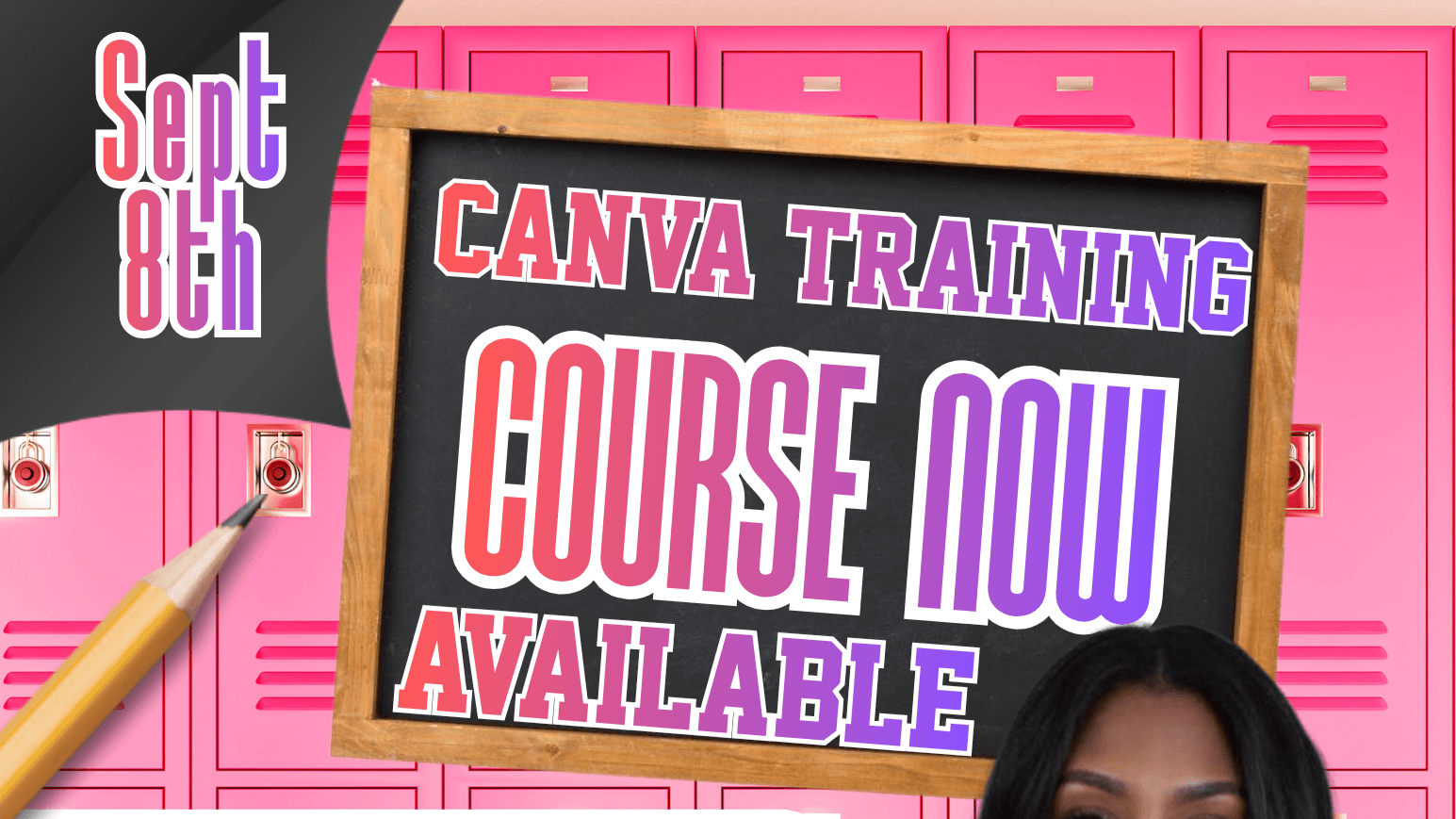
Canva Training-Create Mock-Ups & Business Cards
$50
Learn how to use Canva to create polished, professional designs that make your business stand out!
In this hands-on Canva training, you’ll learn how to create eye-catching product mockups and professional business cards—even if you have little or no design experience.
What You’ll Learn:
How to navigate Canva and use its design tools
How to create professional business cards
How to customize fonts, colors, graphics, and layouts
How to create realistic mockups for products, services, and digital offers
How to add your logo and branding to your designs
How to use Canva templates without making your designs look generic
How to download and prepare your designs for printing or online use
Tips for creating designs that look polished and professional
By the end of this training, you’ll have the skills to confidently create branded business cards and mockups that you can use to promote your business, products, and services.